
Here's how you create a ticket.
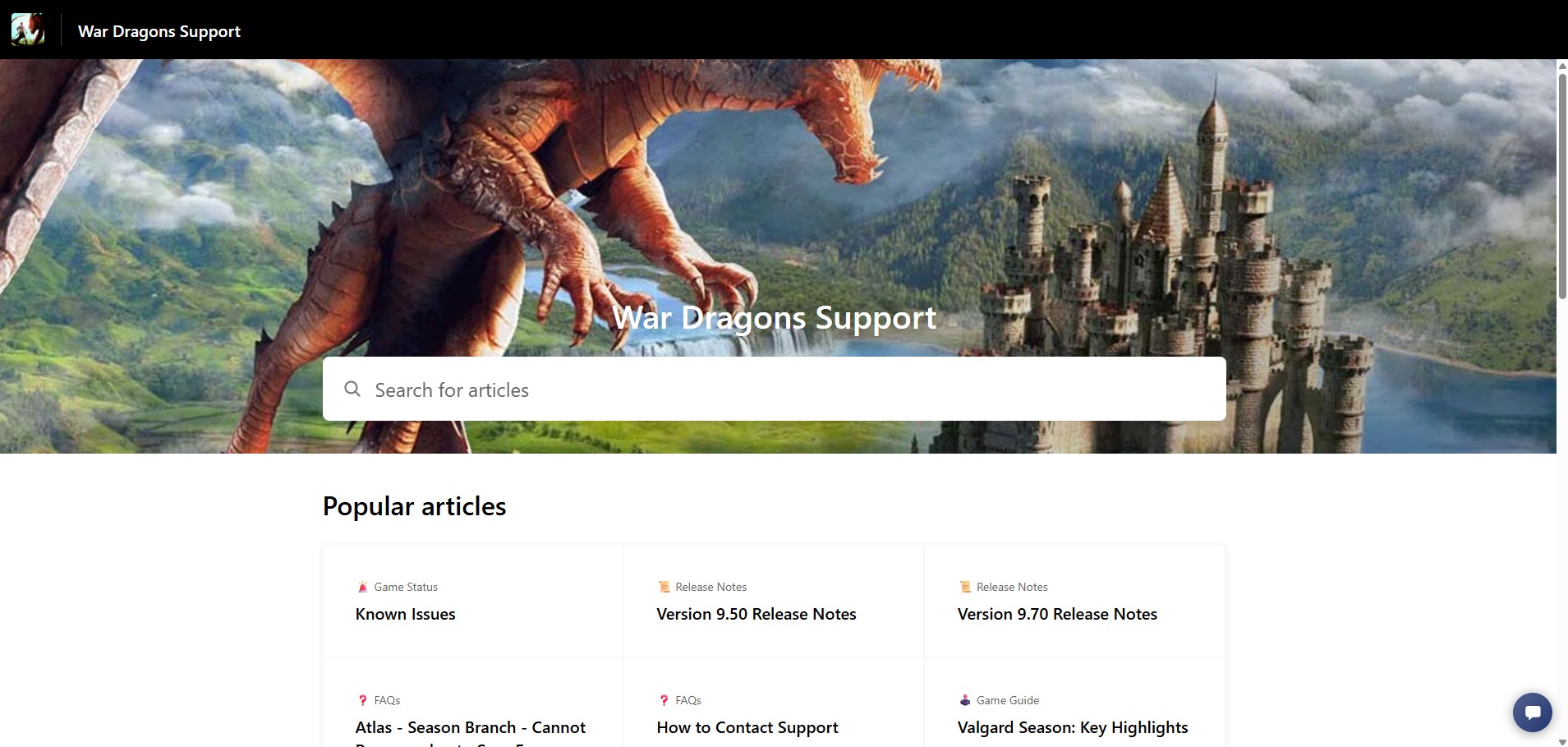
Step 1 - Go to our website - https://pocketgems-support.helpshift.com/hc/en/
Click the bottom right chat bubble to start
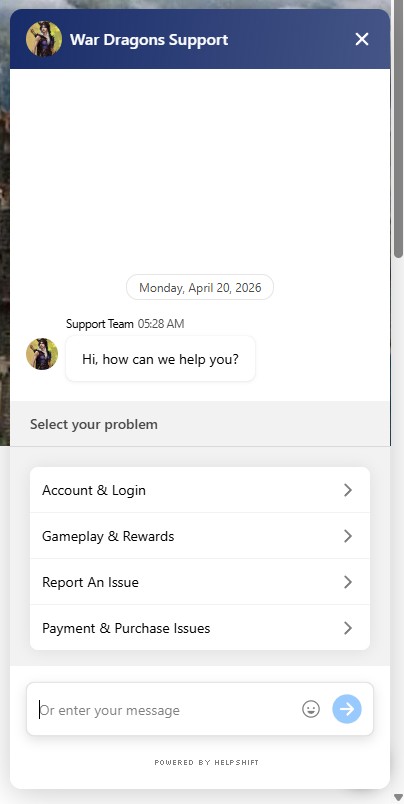
Step 2 - Select a pre-determined topic or enter your short summary of the issue. In my case, I manually typed an issue related to my account
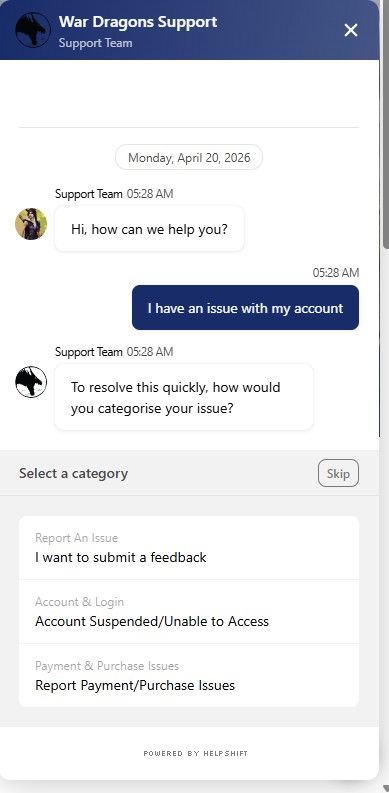
Step 3 - Select a category that best describe your issue or skip the selection of the category. In my case, I selected Account Suspended/Unable to Access
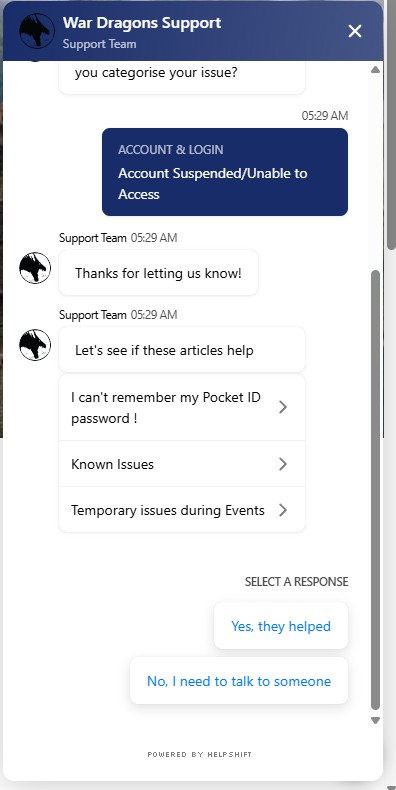
Step 4 - Select an article if they are actually of help. If not, click / tap "No, I need to talk to someone"
Step 5 - Enter your War Dragons Username and then the email registered to that username.
NOTE: We will ask you to send a new ticket if we see that you are contacting us on a different email since we do not want to disclose personal information on another email even if they belong to you.
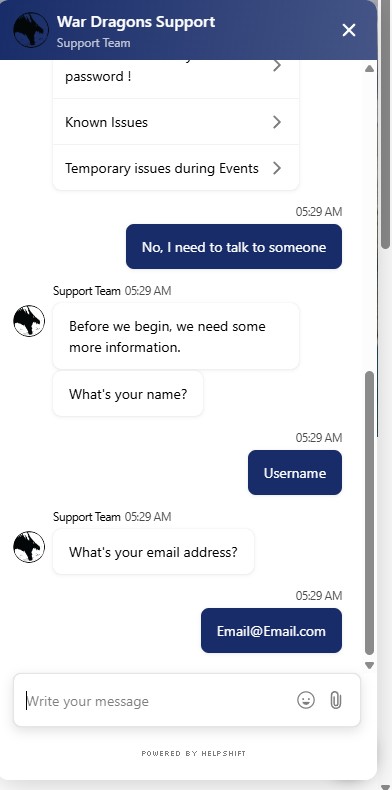
Once the email has been placed, the ticket is created. Response can be seen if the browser tab for this isn't closed. However, if it was closed, any update can be found on the email that you placed.